Custom Software vs Off-the-Shelf for Small Business (5 Qs)
· Updated · 8 min read
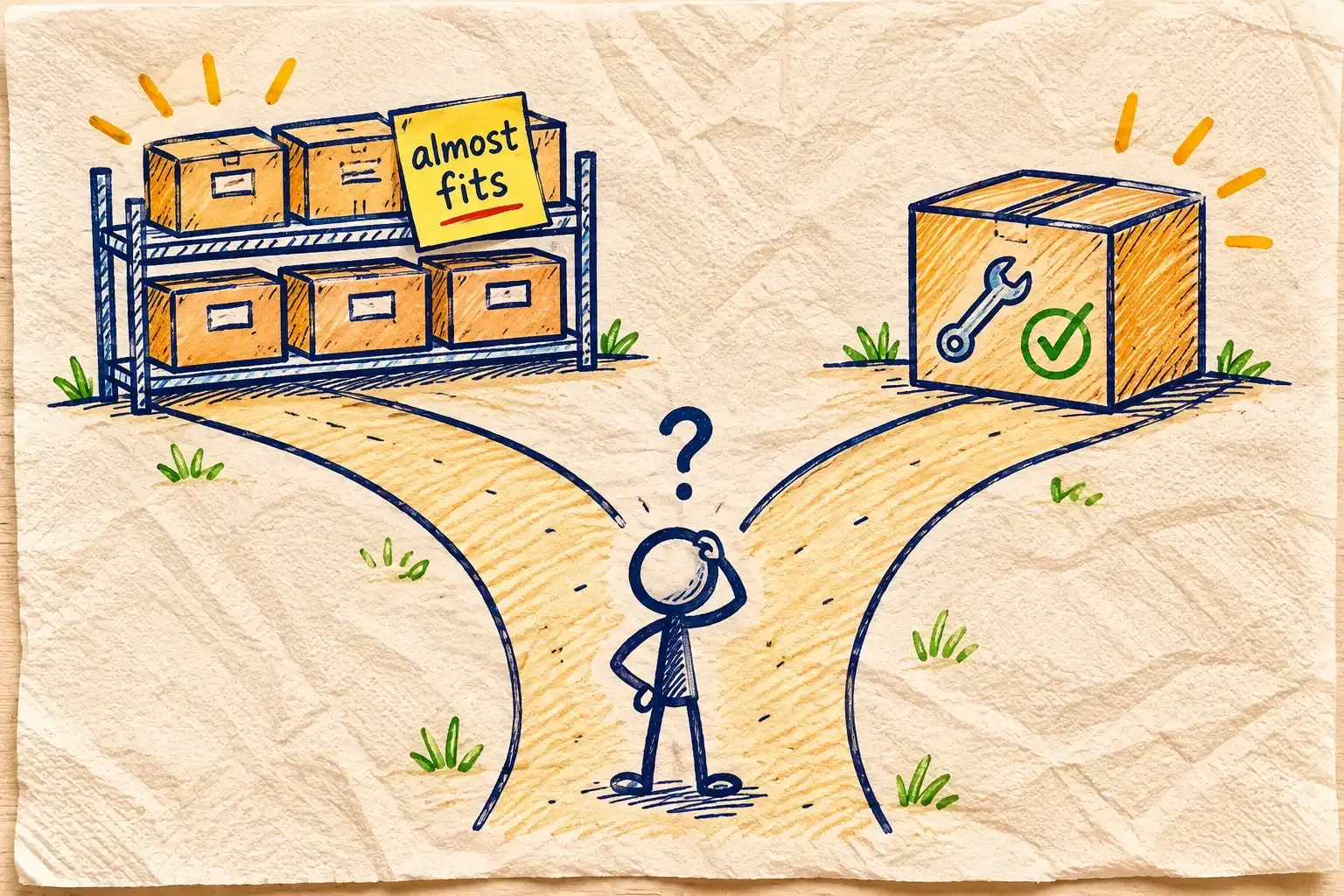
Try this: describe how your business handles a customer order, a booking or a job, from start to finish, in a few sentences. Did you say "except when" at any point? Most people do. "We invoice on the first, except when it's a repeat customer." "We book the slot straight away, except when it's a Friday."
Those little exceptions are the real answer to the question of custom software vs off-the-shelf for small business. This guide gives you five questions that take about five minutes, an honest look at when ready-made software is the better choice, and what to do if the answer lands in the middle.
Neither option is the "right" one
Off-the-shelf software is something you subscribe to or buy as it comes: a booking tool, an accounting package, a CRM you sign up for online. Custom software is built around the way your business works. We build the second kind, so we're biased, but after almost 10 years we've also seen plenty of businesses where ready-made was the sensible call. We'd rather tell you that than sell you something you don't need.
The decision usually isn't about quality. Both can be excellent. It's about fit, and what the fit costs you over time.
The five-minute test: five questions
Grab a pen. Answer each one quickly and honestly. Your first instinct is usually right.
Question 1: Does a ready-made tool handle your process without workarounds?
Sign up for a free trial and run one real week of work through it. Not a demo with tidy sample data, but your actual messy jobs. If you find yourself inventing workarounds in the first hour, that's a signal. If it just works, that's a signal too, and a good one.
Watch out for the phrase "we'll just change how we do it." Sometimes that's smart. Standard software often carries years of good practice. But if you're changing something that makes your customers choose you, you're paying to become a bit more like everyone else.
Question 2: Is this process part of what makes you different?
Payroll, basic accounting and email marketing are the same for most businesses. Nobody wins customers because their payroll is unusual. Buy those.
But how you schedule your engineers, route your deliveries, or let patients book the right type of appointment might be exactly why people stay with you. When the process is the product, it's worth asking whether a generic tool will flatten it.
Question 3: How many other systems does it need to talk to?
One standalone tool is easy. Five tools that all need the same customer details is where trouble starts, and it's how people end up re-typing data between systems. Many ready-made products connect to others through something called an API, which is just a way for two pieces of software to pass information to each other without a human in the middle.
Check which connections exist, and whether they do what you need rather than what the marketing page implies. If the link you need isn't there, that's a point towards building, or towards adding a small custom connector to what you already use.
Question 4: What happens to the cost when you grow?
Ready-made software is usually cheaper to start. Many products charge per user, per month, or by tier, so the bill can change as you add staff, customers or features. Custom software usually costs more upfront, and then you have running costs such as hosting and support.
Neither is automatically cheaper over three or five years. Work out both numbers for your own situation: what you'd pay now, and what you'd pay if the business doubled. (We'll cover why per-user pricing climbs in a future post.)
Question 5: Who needs to use it?
If it's just your team, most tools will do. If your customers need to log in, book, pay or track something, the experience becomes part of your brand. A customer portal that looks and works the way you want it to is a different thing from a generic login page with someone else's name on it.
The same goes for mobile. If your drivers, engineers or clinic staff need one app that works on both iPhone and Android, check carefully what the ready-made option really offers.
How to read your answers
Mostly "it fits": buy off the shelf. You'll be up and running sooner and you can stop worrying about it.
Mostly "workarounds" or "this is our edge": custom software is worth a proper look.
A mix: you're in the middle, which is where most businesses sit. See the next section.
When off-the-shelf is the better choice
It helps to be blunt about this. Choose ready-made if the process is standard and common, you need something working this week, your budget is tight, and a few small compromises won't hurt. There's no prize for building what you could simply buy.
Choose it too if you're still working out how the business should run. Building around a process you haven't settled yet is a good way to pay for changes. Use a simple tool, learn what you really need, then decide.
When custom software earns its place
Custom starts to make sense when the workarounds cost more than the software would, when the process is your advantage, or when you're stitching several tools together with spreadsheets and copy-and-paste. It also makes sense when customers need a branded experience, such as a booking system or portal.
If this sounds familiar, our post on the signs your business has outgrown Excel is a good companion read. Many of the same warning signs apply to ready-made tools that no longer fit.
The middle route: mix and fix
You don't have to choose one for everything. Plenty of sensible setups use ready-made tools for the standard jobs (accounts, email, payments) and custom software for the part that's specific to you, connected through APIs. We've integrated payment services such as Stripe and PayPal, SMS and email services, and whichever third-party APIs a project needs.
And if you already have software that's struggling, the answer might not be starting again. Our fix and upgrade service exists for rescuing, repairing and modernizing software you already have, which can be a lot less drastic than a rebuild.
What it looks like to start
If the five questions leave you unsure, a free scoping call is a low-pressure way to find out. You describe how the business runs, we ask plain-English questions, and we'll tell you honestly if ready-made looks like the better fit. If building makes sense, we write a scope and a fixed price before anything starts.
On timelines: for a medium-sized CRM or ERP, a working first version typically takes about 4 to 6 weeks, though it depends on scope and larger systems take longer. Clients almost always ask for changes once they see the working product, so we plan for that with weekly demos. You can see examples of what we've delivered on our work page.
Frequently asked questions
Is custom software more expensive than off-the-shelf?
Usually it costs more to start, and ready-made can cost more over time if you pay per user or per feature. It depends entirely on your situation, so compare both over a few years rather than just the first month.
Can I start with off-the-shelf and switch to custom later?
Yes, and it's often a sensible route. Before you commit to any tool, check that you can export your data in a usable format, because that makes any later move much easier.
Can I combine custom and ready-made software?
Yes. Many businesses keep standard tools for standard jobs and build only the part that's unique to them, linking the two with APIs so staff don't have to re-type anything.
Do I need to know exactly what I want before talking to a software company?
No. A rough idea and a list of what frustrates you is enough to begin. A good software company helps turn that into a clear written scope.
Not sure which way to go?
Run through the five questions, then bring your answers to us. Book a free scoping call and we'll give you a straight view on whether to buy, build or mix the two.
Not sure which side you are on?
Tell us about your process and we will tell you honestly.
Tell us about your process